
Renify
The Ultimate Render Monitor and Notifier for Blender Creators
Are you tired of staying glued to your desk, constantly checking if your Blender render has finished? Whether you are a freelance 3D artist, animator, architect, or studio creator, waiting for complex renders to finish can keep you unproductive.
Renify changes that. Developed under joint partnership by Vajra InfoTech and Screeny Productions, Renify bridges your workstation and your mobile device, giving you complete freedom while your computer does the heavy lifting.
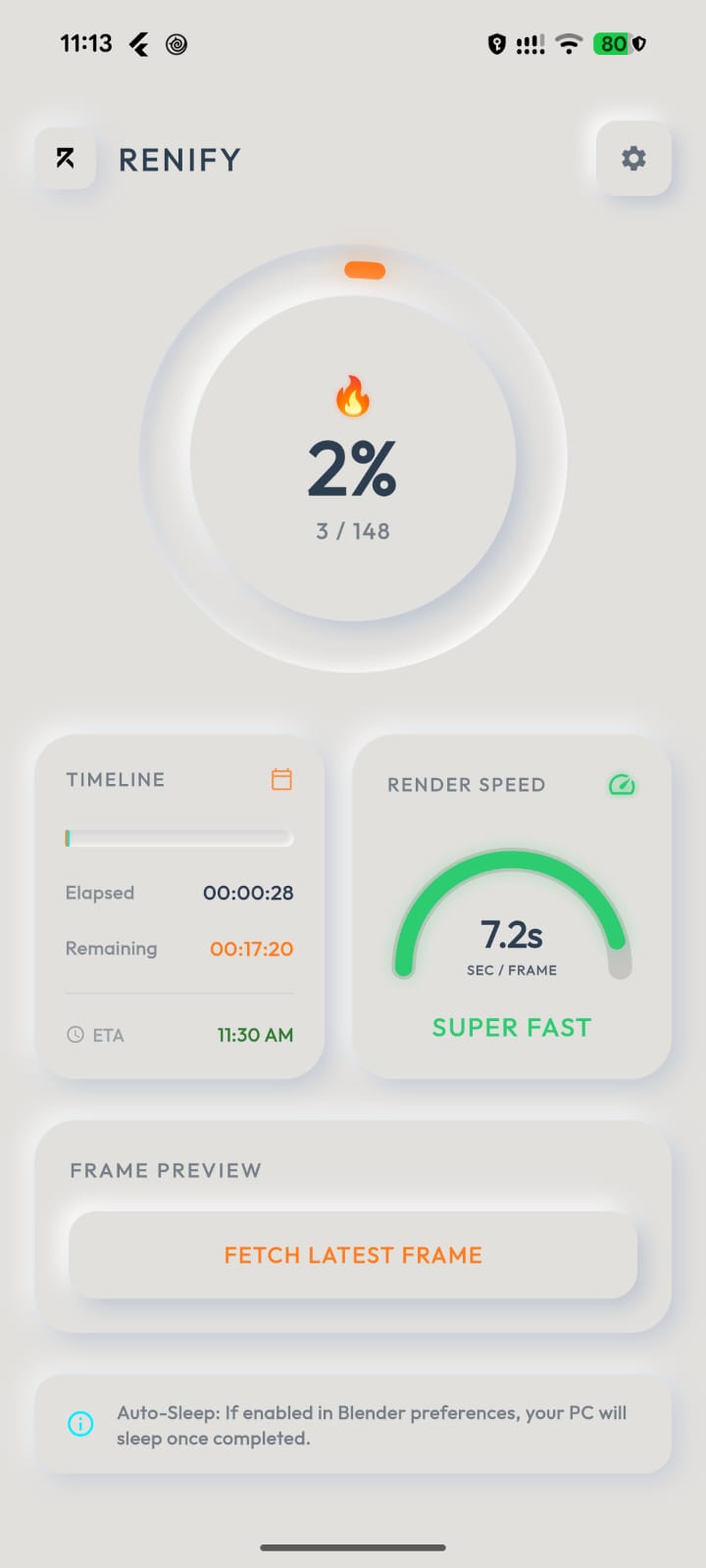
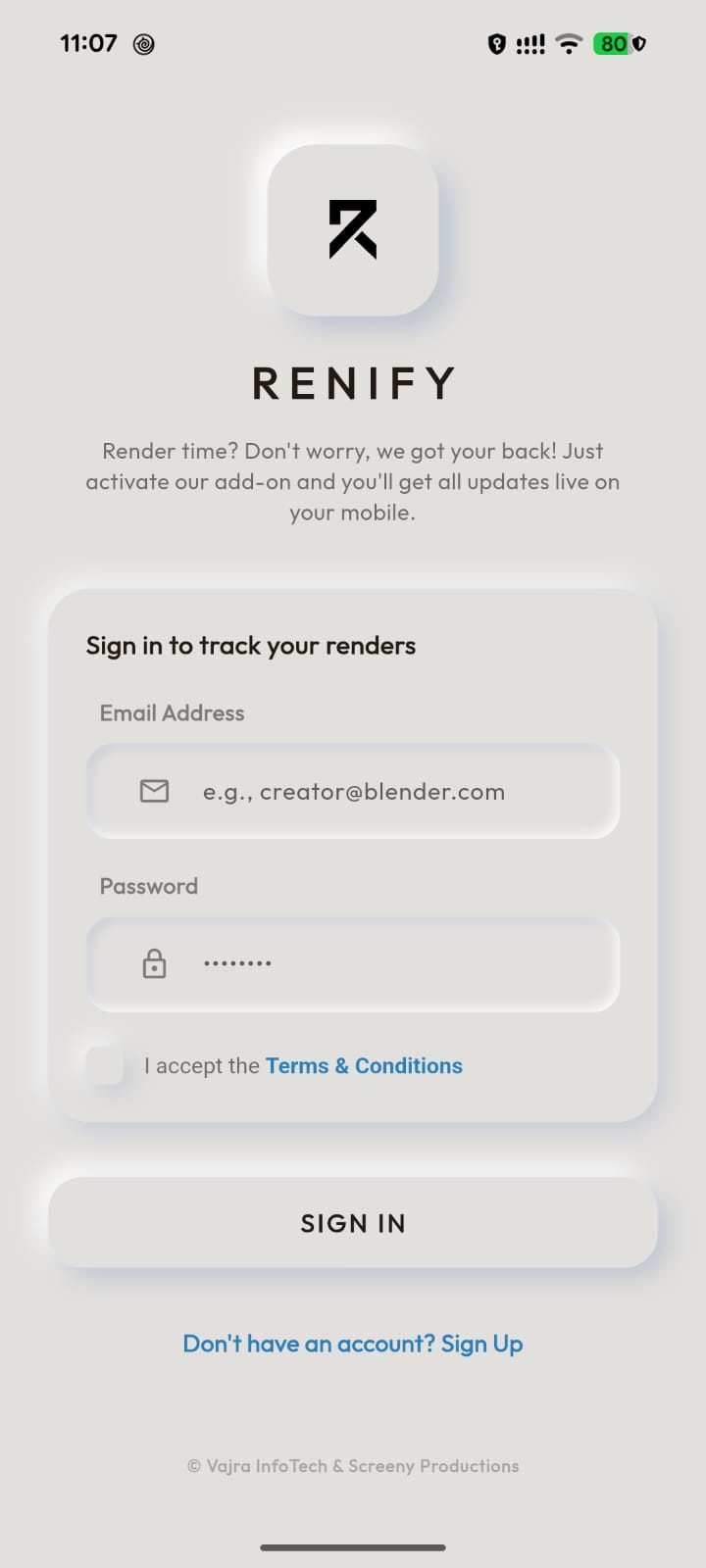
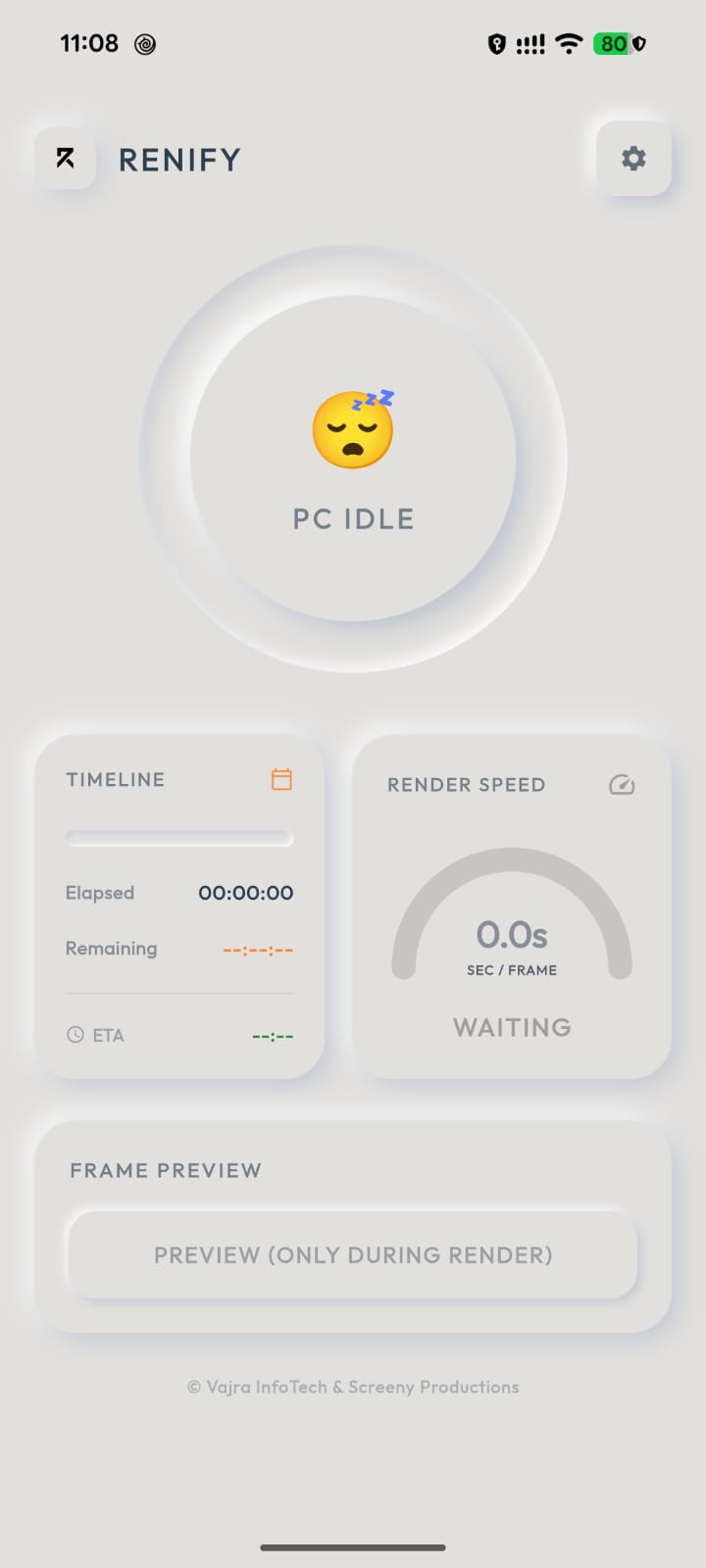
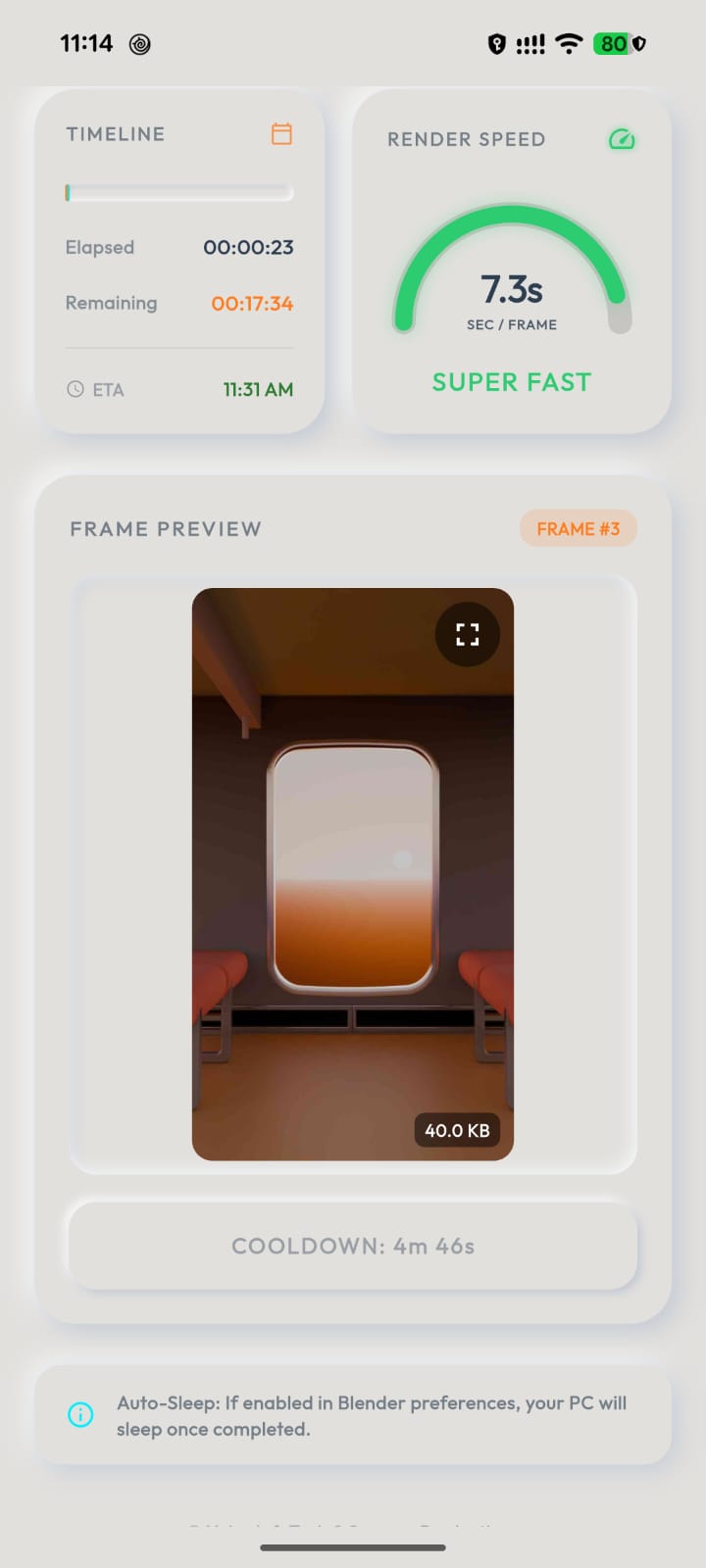
App Interface Gallery
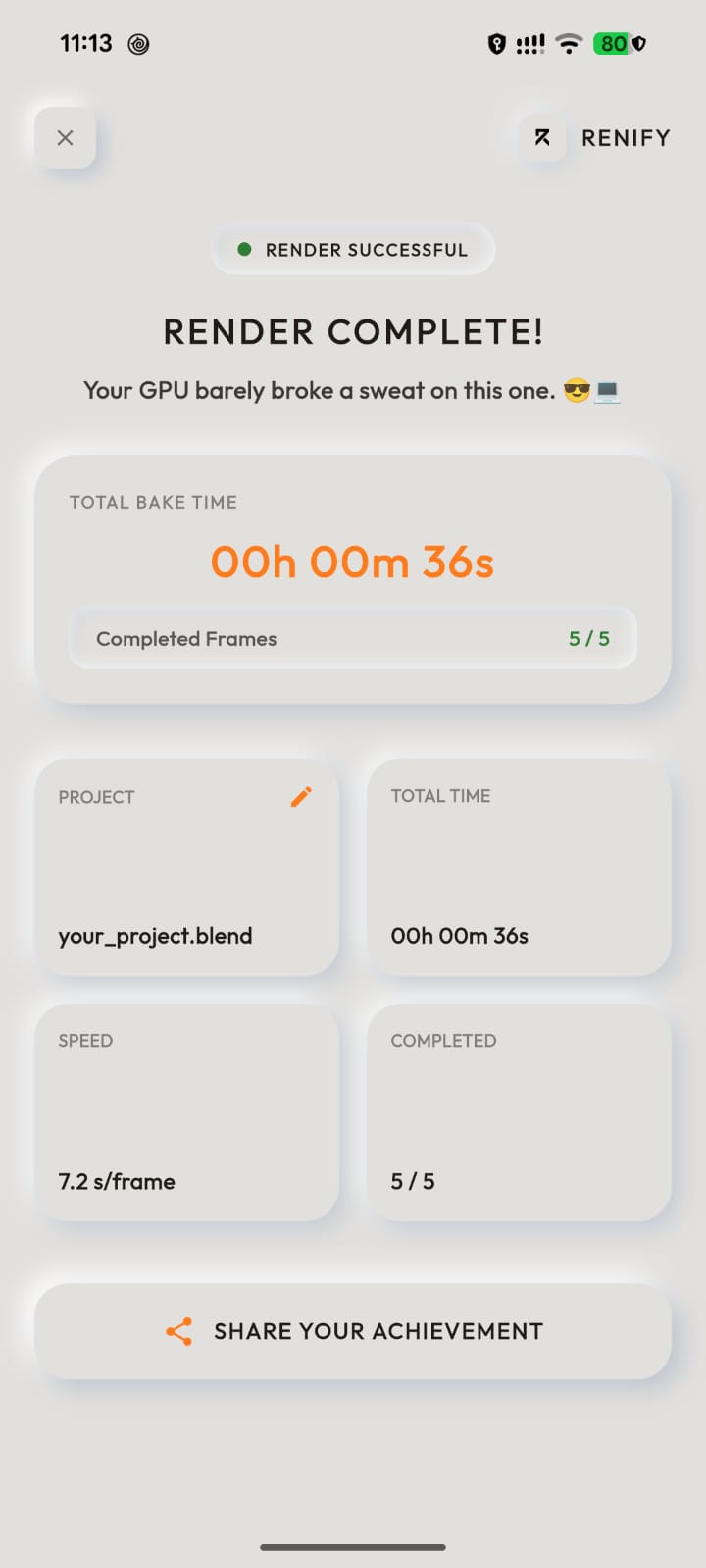
1. Real-Time Telemetry Tracking
Stay fully informed. See your render statistics update live:
• Current frame number vs. total frames in the render queue.
• Exact elapsed rendering time.
• Average render duration per frame.
• Real-time status indicators (Rendering, Idle, or Offline).
2. High-Priority Push Alerts
Get notified immediately when it matters:
• Render Started: Receive an alert the moment your PC begins rendering a new sequence.
• Render Completed: Get a heads-up chime and alert notification when the final frame is successfully saved.
• Offline Warnings: Built-in heartbeat monitor notifies you if connection is lost.
3. Data-Saving Image Previews
Want to make sure your simulation didn't explode on frame 10? Request a visual preview directly from the app. The Blender add-on compresses your last rendered frame locally (strictly under 50 KB) and sends it securely to your app.
4. Smart Sleep Automation
Save power and protect your hardware. Toggle the "Put PC to Sleep" feature. Renify will trigger a safe sleep sequence on your computer 60 seconds after your render finishes, preventing your GPU/CPU from running idle at full power for hours.
Privacy & Security First
Your work is yours alone. Renify is designed with security as a top priority:
- shield Isolated Access: All telemetry and preview files are protected using strict security rules.
- no_photography No Image Archiving: Previews are transient and overwritten automatically.
- lock Encrypted Transmission: All data is encrypted over secure SSL/HTTPS protocols.
Terms & Privacy Policy
Welcome to Renify, a Blender render notification and monitoring system developed by Vajra InfoTech and Screeny Productions ("we" or "us").
We built Renify to help Blender creators track their renders on the go. By using the Renify Blender Add-on or mobile app, you agree to these terms, including how we handle your data.
Part 1 Terms & Conditions
1. How You Can Use Renify
- Personal & Commercial Use: You are welcome to use Renify to monitor your personal, educational, or commercial rendering projects.
- Keep it Free: You cannot sell, white-label, or package Renify as a paid product.
- Give Credit: If you distribute or share the add-on, please keep the original copyright notice.
2. Respect the Infrastructure
- Fair Play: Please do not spam the database or modify the code to bypass the 50 KB image limit.
- Secure Integration: Do not redistribute the core security handshake to build unofficial client portals.
3. Important Details
- Use at Your Own Risk: Renify is provided "as is". We aren't liable if your render fails, Blender crashes, or if notifications are delayed.
- Account Safety: You are responsible for keeping your login credentials safe.
Part 2 Privacy Policy
1. Data Collection & Usage
- Render Metadata: We collect current frame number, elapsed rendering time, average frame duration, and status.
- Image Previews: Captured, compressed client-side (under 50 KB), and uploaded securely.
- Authentication Data: Encrypted and securely authenticated via SSL. We do not store your password.
2. Data Storage & Security
- Data Isolation: Stored inside Firebase with strict rules. No user can view another user's render data.
- No Long-term Tracking: Renify status entries are short-lived.
- Clear Opt-Out: Logging out immediately deletes active statuses from the server.
How to Get Started
Setting up Renify takes less than two minutes:
1. Get the App
Download the Renify Mobile App from Google Play Store. Create your secure account inside the application using your email to begin.
2. Download Add-on
Grab the renify.zip add-on. Install it in Blender via Edit > Preferences > Add-ons > Install. Enter your app credentials and toggle "Enable Renify".